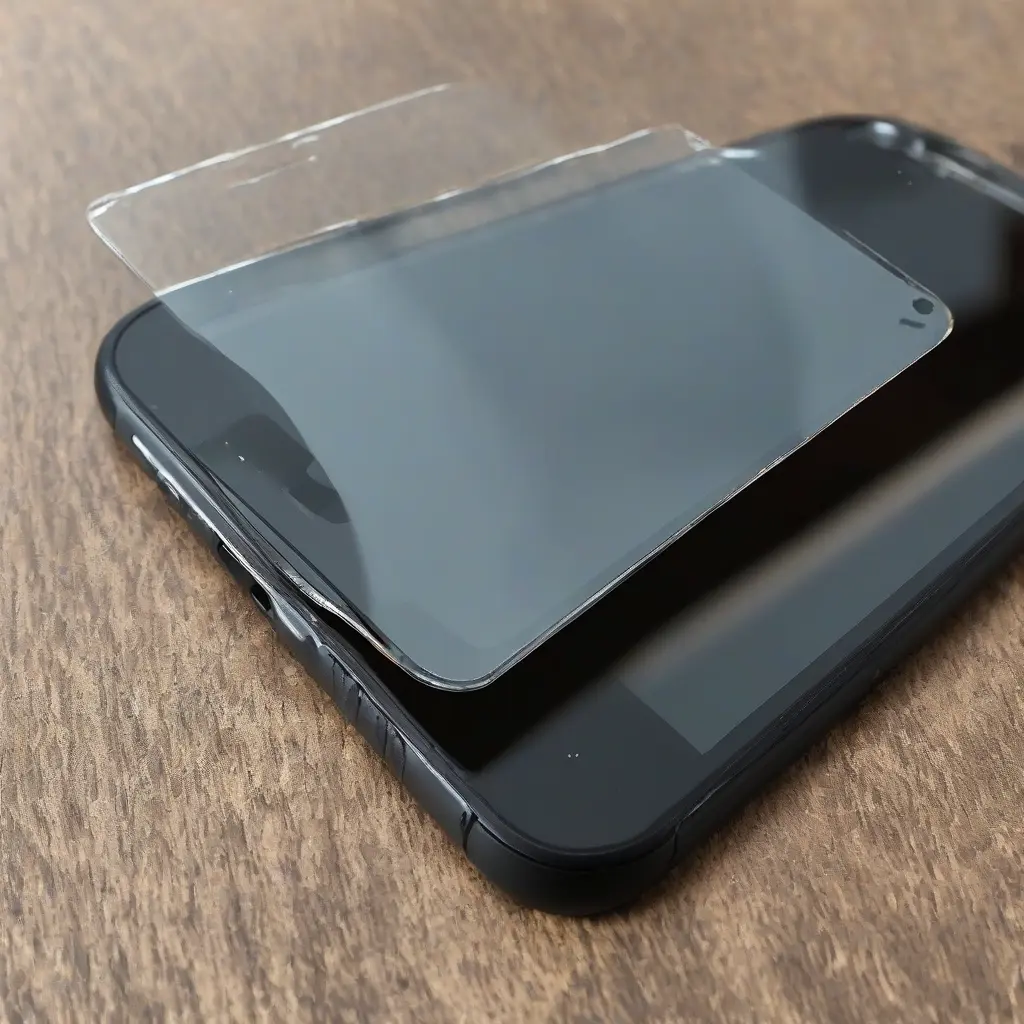
Tempered glass screen protectors are essential for safeguarding devices against scratches and impacts, yet they can sometimes present challenges. From bubbles forming during installation to touch sensitivity issues, users might face several common problems. This article will outline typical issues encountered with tempered glass screen protectors and provide helpful troubleshooting tips to ensure optimal performance. Understanding these problems will empower users to maximize their device’s longevity while keeping the screen pristine.
Understanding Tempered Glass Screen Protectors
Tempered glass screen protectors are made from heated glass that is then rapidly cooled, enhancing its toughness and scratch resistance. This makes them more durable than plastic alternatives. Users often choose tempered glass protectors for their clarity and touch sensitivity, qualities that maintain the functionality of smartphones and tablets. Moreover, they can absorb shocks, reducing the risk of screen damage. Understanding these basic characteristics helps users appreciate their value and promotes proper handling during installation and use.
Common Installation Issues
One frequent issue users face is improper installation, often leading to air bubbles trapped beneath the protector. This can happen if dust or debris is present on the screen prior to installation. To mitigate this, it’s crucial to clean the device thoroughly with a microfiber cloth and a suitable cleaning solution. Additionally, using installation frames can aid in aligning the protector correctly, minimizing the chances of bubbles forming. If bubbles do appear, gently pressing them toward the screen edges typically helps eliminate them.
Dealing with Air Bubbles
Air bubbles under the tempered glass screen protector can be frustrating, but they are common during the installation process. One of the most effective methods for removing these bubbles involves using a credit card or a similar flat object. By gently pushing the bubble toward the nearest edge, users can often release the trapped air. Another method is to lift the edge of the protector slightly and reapply, which sometimes allows the trapped air to escape. If bubbles persist, it may be necessary to remove and reinstall the protector.
Touch Sensitivity Issues
Some users report decreased touch sensitivity after applying a tempered glass screen protector. This can result from low-quality protectors or improper installation. To troubleshoot, users should ensure they are using a high-quality, compatible protector. Sometimes, recalibrating the touch settings on the device can also resolve sensitivity problems. If the issue continues, testing the device without the protector can help verify whether the problem lies with the screen or the installation of the glass.
Cracks and Chips in Your Protector
Despite their durability, tempered glass screen protectors can develop cracks or chips, especially with rough handling or impacts. If a protector shows signs of damage, it is crucial to replace it immediately to maintain screen protection. Users should routinely check their protectors for signs of wear and tear, such as scratches or chips, and act quickly to replace them. Understanding the limits of the tempered glass can help users avoid situations that lead to accidental damage.
Choosing the Right Tempered Glass Screen Protector
Selecting the right tempered glass screen protector is essential for minimizing issues. Users should look for protectors that are specifically designed for their device model, ensuring a proper fit. Additionally, factors like thickness, hardness rating, and coating technology are important to consider. Thicker protectors often provide better impact resistance, while anti-fingerprint coatings can help maintain clarity and cleanliness. Researching and reading reviews can guide users toward purchasing a reliable product.
Maintaining Your Tempered Glass Protector
To extend the lifespan of a tempered glass screen protector, proper maintenance is necessary. Regular cleaning using a microfiber cloth can help prevent the buildup of dust and grime, which can lead to scratches. Users should avoid using harsh cleaning solutions, as they can damage the protective coating. Moreover, storing devices carefully when not in use can prevent physical impacts that damage the protector. By treating the protector with care, users can enhance not only its effectiveness but also their device’s longevity.
Understanding Warranty Policies
Most tempered glass screen protectors come with warranty policies that can cover manufacturing defects. Users should review these warranties before purchase, as different brands offer varying levels of coverage. If a protector unexpectedly cracks or shows faults within the warranty period, reaching out to customer service may result in a replacement. Understanding this policy not only ensures satisfaction with the product but also protects the investment users make in screen protection.
Seeking Professional Help
If troubleshooting common issues proves ineffective, seeking professional help may be the best course of action. Many electronics stores offer installation services, where skilled technicians can apply the screen protector correctly. Additionally, if the device’s screen sensitivity remains problematic despite using the recommended protector, professional assessment may identify underlying issues. Users should not hesitate to consult experts, especially if they worry about damaging their devices further.
Conclusion
Addressing common issues with tempered glass screen protectors can enhance user experience and extend device longevity. By understanding installation practices and maintenance tips, individuals can ensure optimal performance. Recognizing when to seek professional assistance can further safeguard devices. Employing these strategies not only preserves the protective qualities of the screen protector but also maintains the device’s functionality.
