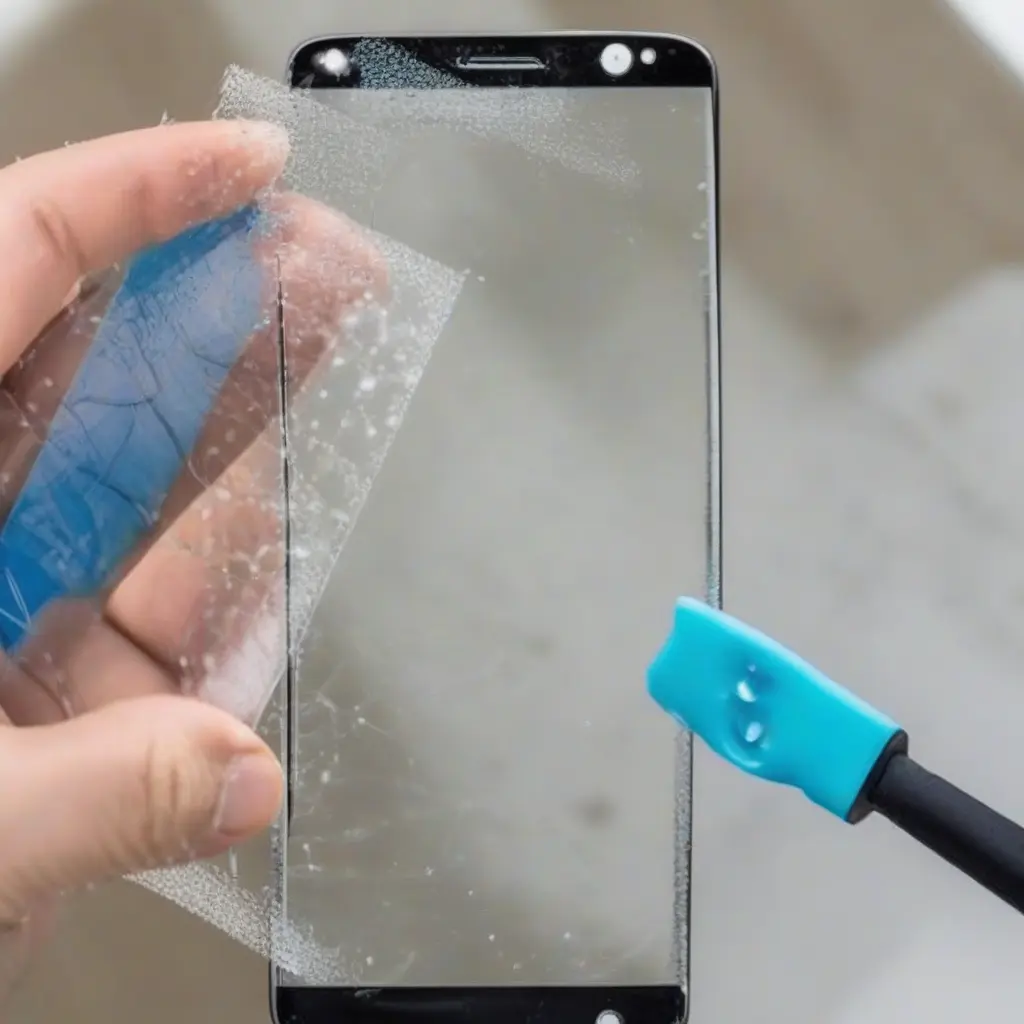
Screen protectors are essential for safeguarding your devices from scratches and cracks, but they can sometimes develop unsightly bubbles. These bubbles not only detract from the aesthetic appeal of your device but can also interfere with touch functionality. Whether it’s due to improper installation or dust particles trapped underneath, knowing how to address these bubbles effectively is crucial. In this article, we will explore the common causes of screen protector bubbles, methods to fix them, and preventative measures to ensure a smooth installation in the future.
Common Causes of Screen Protector Bubbles
Bubbles beneath a screen protector can arise from several common issues. One prevalent cause is improper installation, where air gets trapped between the protector and the screen. Dust, lint, or fingerprints on either the screen or the protector can also lead to bubble formation. Additionally, temperature changes can cause the adhesive to behave differently, exacerbating the problem. Understanding these causes can help you take the necessary precautions when applying or reapplying your screen protector.
How to Prevent Bubbles When Installing a Screen Protector
Preventing bubbles during the installation of a screen protector requires careful preparation and execution. Start by cleaning your device screen thoroughly with a microfiber cloth to remove dust and oils. You can use screen cleaning solution, but ensure it’s safe for your device. Choose a dust-free environment to apply the protector, and consider using a guide or alignment tool to position it correctly. Always work from one edge and slowly move to the other, using a credit card or similar tool to push trapped air out.
Methods to Remove Existing Bubbles
If you find yourself with bubbles after installation, don’t worry; they can often be fixed. A common method is to gently push the bubbles toward the edge of the screen using a plastic card, such as a credit card. Start at the center of the bubble, applying gentle pressure to push the air out. If this doesn’t work, you can also try lifting the edge of the screen protector slightly, allowing air to escape before resealing it carefully. This approach can help restore clarity without needing to replace the entire protector.
Using Heat to Fix Bubbles
Another effective technique for dealing with bubbles in your screen protector is applying gentle heat. Using a hairdryer on a low setting, you can warm the area around the bubble for a few seconds. This can help soften the adhesive and allow trapped air to escape more easily. After warming, press down on the bubble with a cloth or a card to seal the protector back down. Ensure you keep a safe distance with the hairdryer to avoid damaging the screen or the protector.
When to Replace Your Screen Protector
In some cases, bubbles may not be removable, or your screen protector may sustain damage beyond an aesthetic issue. If the bubbles persist despite your best efforts, or if the protector becomes scratched or cracked, it may be time for a replacement. A damaged screen protector can reduce its effectiveness in protecting your device. Always evaluate the condition of your screen protector regularly and replace it if it shows significant wear or damage.
Choosing the Right Screen Protector
Selecting the right screen protector can significantly reduce the chance of bubbles forming. Different materials, such as tempered glass or film protectors, have their unique advantages and disadvantages. Tempered glass generally has better durability and is less prone to bubbling. Additionally, ensure you choose a high-quality product from a reputable brand. Reading reviews can provide insight into the installation experience and performance, helping you make an informed decision.
Maintaining Your Screen Protector
To prolong the life of your screen protector and prevent bubbles, regular maintenance is key. Clean your screen protector periodically with a microfiber cloth to remove fingerprints and smudges. Avoid using abrasive cleaners, as they may scratch the surface. Also, be cautious with how you handle your device; keeping it in a case or screen pouch when not in use can protect it from dust and physical damage, further reducing the likelihood of bubble formation.
The Role of Humidity and Temperature
Environmental factors such as humidity and temperature can significantly affect how well your screen protector adheres to your device. High humidity can make the adhesive less effective, leading to bubble formation. Similarly, extreme temperatures can cause the protector to expand and contract, affecting adhesion. Trying to keep your device in moderate conditions will help maintain the integrity of your screen protector and reduce issues related to bubbling or lifting.
Conclusion
Screen protector bubbles can be a frustrating issue, but understanding their causes and knowing how to fix them can improve your device experience. By following proper installation techniques, using methods to remove existing bubbles, and maintaining your protector, you can enhance its effectiveness and prolong its longevity. Remember, when in doubt, replace it with a high-quality option for better results.
