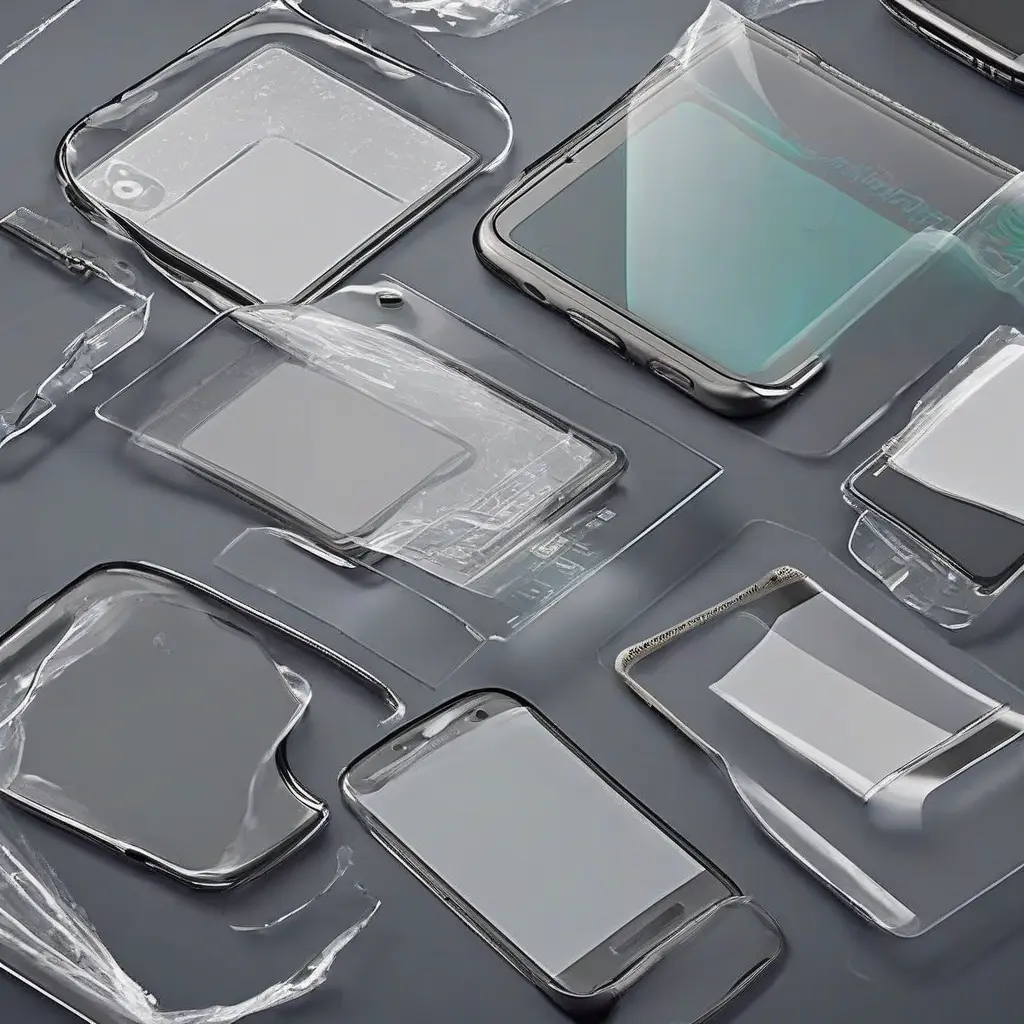
Finding the right screen protector for your device can be a daunting task, especially with the variety of options available. Knowing how to determine compatibility ensures that you not only choose the right size but also the correct type for optimal functionality. In this guide, we’ll explore essential steps and considerations to help you verify if a screen protector is suitable for your device, enhancing its longevity and preserving its display quality.
Check the Device Model
The first step in ensuring a screen protector’s compatibility is to check the exact model of your device. Manufacturers often create multiple variations of a single model, which may have differing dimensions or features. This includes measurements such as the screen size, camera placement, and other hardware elements. Always double-check the specifications on your device or consult the manufacturer’s website to find the correct model number to search for the appropriate screen protector.
Understand Screen Protector Types
Screen protectors come in various types, including tempered glass, plastic films, and liquid screen protectors. Each type offers different levels of protection and clarity, which may influence compatibility. For example, tempered glass provides superior protection, while plastic films may offer more flexibility in terms of fit. Research the various types and their benefits to determine which one aligns with your needs and is compatible with your device.
Measure Your Device Display
Measuring your device’s display can confirm that the dimensions of the screen protector match perfectly. Use a ruler or measuring tape to assess the length and width of the screen. It’s important to account for any curves or edges on your device screen, as these may affect how the protector fits. Accurate measurements help ensure that the protector adheres properly without leaving gaps or causing air bubbles.
Consider Cutouts and Features
Many devices feature various cutouts for cameras, speakers, and sensors, which can vary significantly between models. When selecting a screen protector, look for one that includes these cutouts to maintain full functionality. If a protector is designed for an older version of your device, it may not align correctly with these crucial features, potentially obstructing your camera or blocking your sensor’s operations.
Read User Reviews
User reviews can provide valuable insights into the compatibility and effectiveness of screen protectors with specific devices. Look for reviews that mention the particular model of the device you own. Users often share their experiences regarding installation, fit, and durability, helping you to gauge whether a certain protector is likely to meet your needs. Focus on feedback from reliable sources to make an informed decision.
Consult the Manufacturer’s Recommendations
Most manufacturer websites or packaging for screen protectors include specific recommendations for device compatibility. These guidelines can often clarify which products are tailor-made for particular devices, thus reducing the risk of poor fit or functionality. When in doubt, referring to the manufacturer’s advice can help you select the most compatible screen protector and ensure optimal performance.
Check Warranty and Return Policy
Before purchasing a screen protector, review the warranty and return policies offered by the retailer. Some companies allow returns or exchanges if you find that the protector does not fit your device. Understanding these policies not only protects your investment but also ensures that you have options if the initial choice does not work as anticipated. A solid return policy can provide peace of mind when buying online.
Watch Installation Videos
Watching installation videos specific to your device model can help you understand how well the screen protector fits. These videos often highlight the installation process, reveal potential issues, and demonstrate how different screen protectors conform to the device. Engaging with visual content can give you confidence in your choice and inform you about aligning the edges and avoiding air bubbles during installation.
Consider Special Features
Certain screen protectors come with unique features, such as anti-glare or blue light filtering, which can enhance the usability of your device. When evaluating compatibility, consider if those additional functionalities align with your usage habits. If a specific feature greatly improves your user experience, be sure to seek out compatible products that offer that additional benefit, especially if you utilize your device for extended periods.
Read the Fine Print
Understanding the fine print of product listings is crucial for making an informed choice. Often, the description contains essential details regarding what devices are compatible, as well as any limitations associated with the product. Pay attention to information regarding installation challenges or restrictions on warranty claims if misapplied. Being thorough can prevent future hurdles and ensure a smoother user experience.
Conclusion
Identifying a compatible screen protector for your device involves several essential checks, including verifying model specifications, understanding different types, and considering features. By following the steps outlined in this guide, you will be better equipped to select the right protector that not only fits your device but also enhances its protection and functionality.
