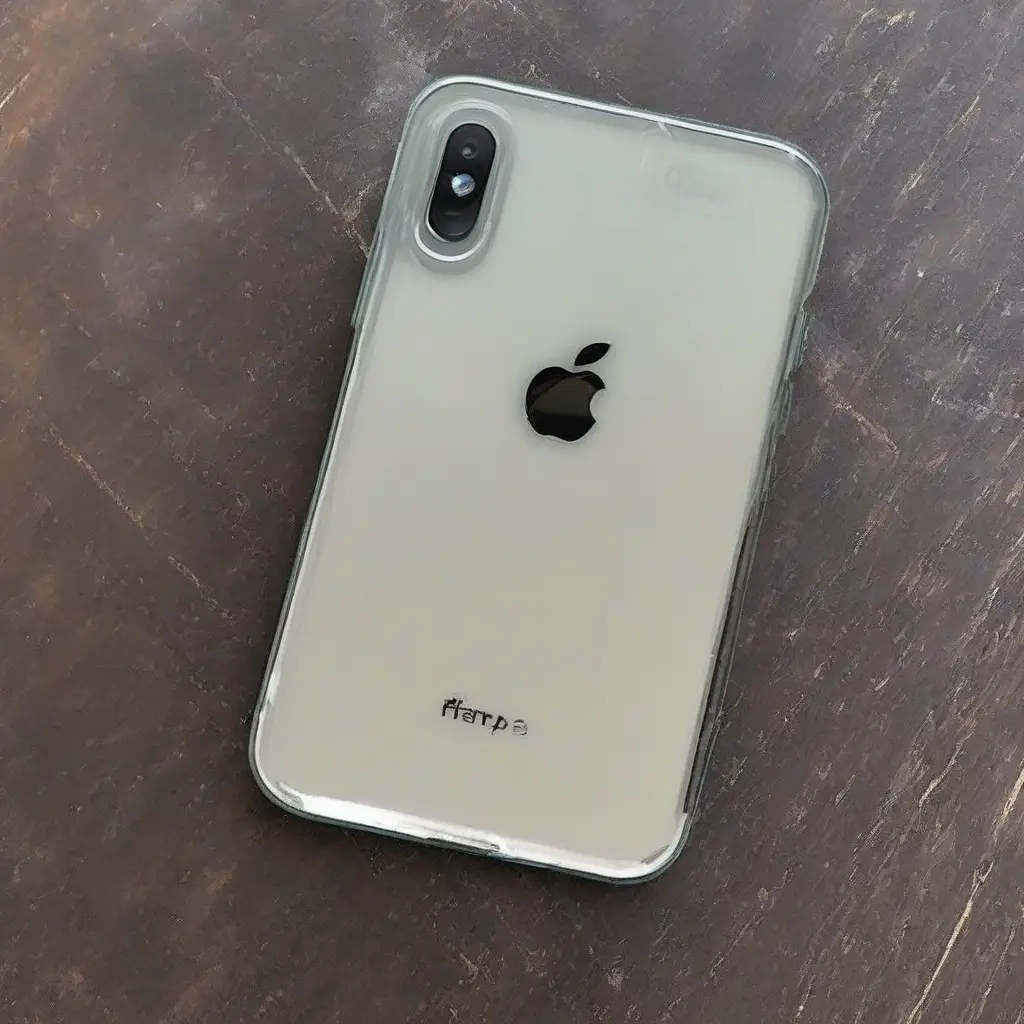
Maintaining a clear screen protector is essential for preserving the visual appeal and functionality of your device. Over time, dust, fingerprints, and scratches can accumulate, degrading the quality of your screen protector. With consistent care and the right techniques, you can ensure your screen remains pristine. This comprehensive guide provides effective tips and maintenance strategies, empowering you to enjoy a crystal-clear display without the hassle of smudges and imperfections.
Understanding Different Types of Screen Protectors
There are several types of screen protectors available, including tempered glass and plastic films. Each type has its unique attributes regarding clarity, durability, and touch sensitivity. Tempered glass offers superior protection and is more resistant to scratches, while plastic films are thinner and can be more prone to wear over time. Understanding these differences is crucial when selecting the right screen protector for your needs, as it can influence how you maintain clarity and cleanliness in the long term.
Routine Cleaning Techniques
Regular cleaning is essential to keep your screen protector clear. Start by powering down your device to avoid accidental touches. Use a microfiber cloth, as it is gentle on the screen, to remove dust and fingerprints without scratching. Dampen the cloth slightly with water or an alcohol-free cleaner specifically designed for electronics. Wipe in gentle circular motions to avoid streaks, ensuring all areas are addressed. Incorporating this cleaning routine into your weekly schedule will significantly enhance the longevity of your screen protector.
Avoiding Harmful Chemicals
When cleaning your screen protector, it’s critical to avoid harsh chemicals and abrasive materials. Cleaners containing ammonia or strong solvents can damage the adhesive and develop cloudiness on the screen. Similarly, paper towels or rough cloths may leave scratches. Instead, use gentle, non-abrasive solutions preferably made for electronics. This careful approach will not only protect the screen protector but also help retain the visual clarity of your device over time.
Implementing Protective Gear
To further safeguard your screen protector, consider using a case or pouch for your device. These accessories can prevent scratches and dust accumulation while protecting the screen from impact. Select cases that fit snugly while providing adequate coverage; this extra layer of protection will help maintain your screen protector’s clarity. Additionally, ensure that any case you use does not interfere with the adhesive of the screen protector, as this can lead to bubbles or a decreased lifespan.
Avoiding Exposure to High Temperatures
High temperatures can adversely affect the screen protector’s adhesive and clarity. Avoid leaving your device in hot environments, such as inside a car on sunny days. Prolonged exposure to heat can lead to the screen protector peeling at the edges or even becoming discolored over time. It is advisable to keep your device in a temperature-controlled environment as much as possible to ensure the longevity and effectiveness of your screen protector, maintaining its clear appearance.
Choosing the Right Application Method
Proper application of the screen protector significantly influences its clarity. When installing a new protector, ensure that your hands are clean to avoid transferring oils or debris onto the adhesive side. Start by carefully aligning the protector with the screen, ensuring it fits the contours perfectly. Avoid applying pressure until you have centered it correctly. This meticulous approach minimizes the risk of bubbles, which can impact the clarity and aesthetic appeal of the screen protector.
Using Anti-Static Tools
Employing anti-static tools can effectively help keep your screen protector clean. These tools are designed to repel dust and prevent the build-up of static electricity, which attracts particles that can lead to smudges and scratches. Use an anti-static cloth or spray to keep the surface clear. Regularly incorporating this into your maintenance routine will enhance the clarity of your screen, as it reduces the factors contributing to unwanted grime and keeps the surface looking fresh.
Regularly Inspecting for Damage
Routine inspections are vital in maintaining the integrity of your screen protector. Regularly check for cracks, scratches, or peeling edges that may compromise its protective capabilities. If you notice any signs of damage, consider replacing the protector promptly to avoid further deterioration. This proactive approach not only helps in maintaining clarity but also ensures that your device screen remains protected from potential scratches and other hazards.
The Importance of User Habits
Your daily habits significantly impact the condition of your screen protector. Being mindful about where you place your device and how you handle it can help minimize damage. Avoid placing your device face down on rough surfaces and be cautious of using it while eating or in messy environments. By developing careful habits, you can significantly reduce the accumulation of dirt and scratches, ensuring your screen protector stays clear for an extended period.
Benefits of a Clear Screen Protector
A clear screen protector not only enhances the visual experience but also maintains the functionality of your device’s touchscreen. By providing a barrier against scratches and contaminants, it allows you to use your device without distractions. It preserves the original display quality, ensuring vibrant colors and clear images. Investing in maintaining a clear screen protector results in prolonged device life and a superior user experience, making it a worthwhile effort.
Conclusion
Maintaining the clarity of your screen protector is essential for a satisfactory user experience and safeguarding your device. By following these tips and strategies, you can prolong the life of your screen protector and ensure that your device remains visually stunning and functional. Regular maintenance, careful application, and mindful habits will not only keep your screen protector free of smudges but also provide a clearer view of what matters most on your device.
