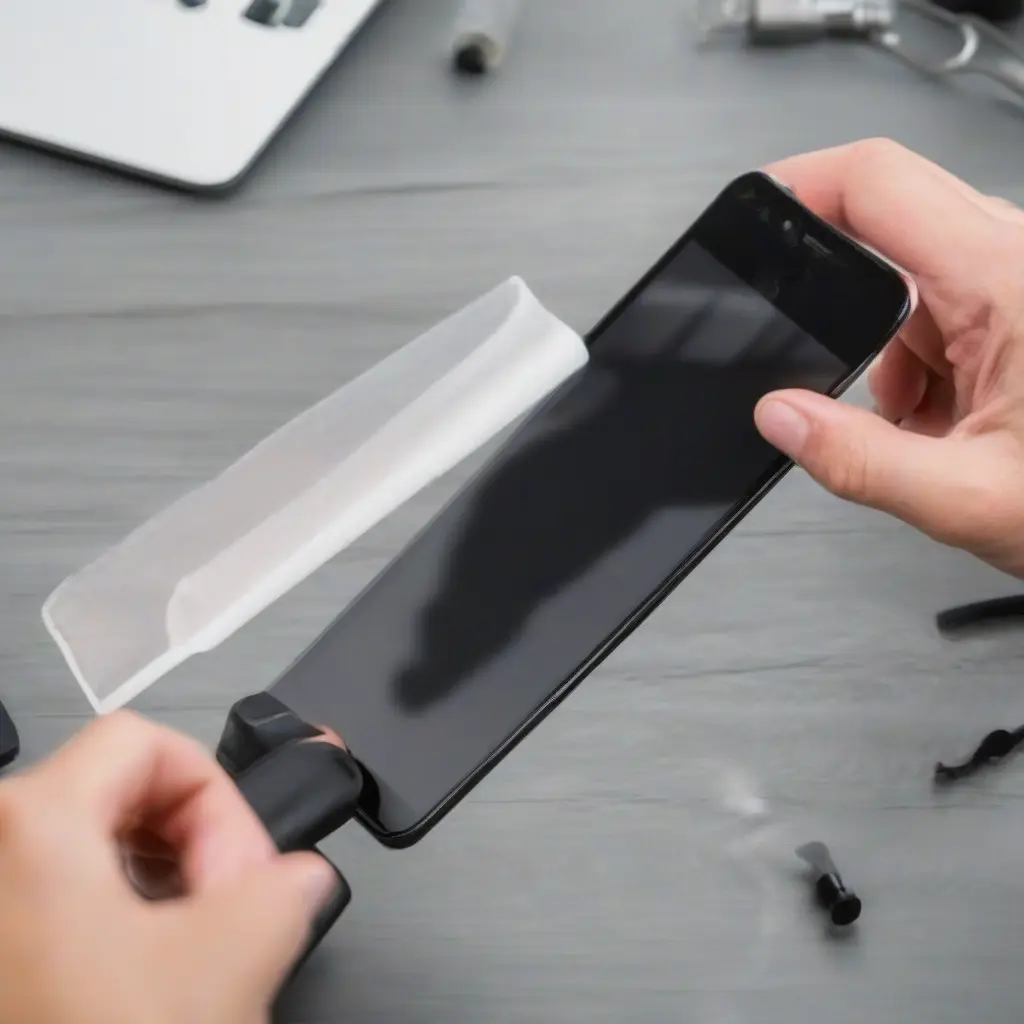
Keeping your screen protector clean is essential for maintaining your device’s visibility and longevity. Over time, screen protectors accumulate dust, fingerprints, and smudges, which can hinder your viewing experience. Implementing best practices for cleaning these protectors ensures they remain in optimal condition. This article explores effective tools and techniques you can use to keep your screen protectors clear and functional. From using the right materials to understanding the cleaning process, these tips will help you maintain the integrity of your screen protector.
Understanding Screen Protector Materials
Screen protectors are available in various materials, including tempered glass, plastic, and silicone. Each type has unique cleaning requirements and durability levels. Tempered glass protectors are highly resistant to scratches and can be cleaned with alcohol-based solutions. Conversely, plastic protectors may scratch more easily and require gentler cleaning methods, such as microfiber cloths and water. Understanding these materials ensures you choose the appropriate tools and techniques, ultimately prolonging the lifespan of your screen protector.
Choosing the Right Cleaning Tools
Selecting the proper tools for cleaning your screen protector is crucial for avoiding damage. A microfiber cloth is the best choice, as it effectively removes dust and smudges without scratching the surface. Alternatively, you can opt for a soft-bristle brush to dislodge particles before wiping. Avoid using paper towels or cotton cloths, as they may leave lint or scratches. Additionally, ensure any cleaning solutions are screen-safe, preferably free from ammonia or alcohol, which can degrade certain materials. Choosing the right tools sets the foundation for effective screen cleaning.
Best Cleaning Solutions for Screen Protectors
When it comes to choosing cleaning solutions, a mixture of water and isopropyl alcohol in a 50:50 ratio is often ideal for tempered glass. This solution removes oily residues and disinfects without causing harm. For plastic protectors, a simple mixture of distilled water and vinegar can effectively tackle smudges. Be cautious of commercial cleaners labeled for electronics; ensure they are safe for your specific screen protector type. Properly selecting your cleaning solution enhances the efficiency of your cleaning routine while ensuring the longevity of your screen protector.
Cleaning Process: Step-by-Step Guide
A systematic cleaning process can significantly improve the effectiveness of your efforts. Start by turning off your device to avoid any accidental touches during cleaning. Gently brush off any loose debris using a soft-bristle brush or a dry microfiber cloth. Next, dampen your microfiber cloth slightly with your chosen cleaning solution—never apply the liquid directly to the screen. Wipe the screen in a circular motion, working your way from one edge to the other. Finally, use a dry section of the cloth to buff the screen, ensuring that no streaks remain. This method promotes clarity and reduces the risk of damage.
Frequency of Cleaning Your Screen Protector
Establishing a regular cleaning schedule for your screen protector is key to maintaining its appearance and functionality. Generally, it is advisable to clean your screen protector weekly, but frequent use may necessitate more regular maintenance. If you notice fingerprints or smudges, clean it immediately to prevent dirt buildup. Additionally, ensure that your hands are clean before using your device to reduce the amount of oil transferred to the surface. By adhering to an appropriate cleaning routine, you can prolong the life of your screen protector and enjoy a clearer display.
Tips for Maintaining Screen Protectors
Besides cleaning, several tips can help maintain the integrity of your screen protector. Always store your device in a case, as this provides an additional layer of protection against scratches and debris. Avoid placing your device face down on surfaces that may scratch the screen. Additionally, be mindful of your environment; using your device in dusty or sandy conditions may necessitate more frequent cleaning. Lastly, consider using a protective pouch for your device when not in use. These practices further enhance your screen protector’s longevity and performance.
Common Mistakes to Avoid when Cleaning
To effectively clean your screen protector, it’s essential to be aware of common cleaning mistakes. Avoid using household cleaners, as they can contain harsh chemicals that damage screen protectors. Steer clear of paper towels since they can scratch the surface and leave lint behind. Also, refrain from using excessive force during cleaning; gentle pressure is ideal. Finally, never forget to let the cleaning solution dry fully before using your device again. Being mindful of these common pitfalls helps maintain the quality and effectiveness of your screen protector cleaning process.
Conclusion
In conclusion, implementing best practices for cleaning screen protectors is vital for preserving their clarity and durability. By understanding the different materials, choosing appropriate cleaning tools and solutions, and establishing a regular cleaning routine, you can keep your device looking new. Additionally, avoiding common mistakes and taking preventive measures can enhance the lifespan of your screen protector. Following these guidelines ensures that your device remains functional and visually appealing, making for a better user experience.
